Get started
NEW: Free privacy policy & ads.txt hosting

pleaseopen.me

App Store links are blocked in Instagram, Facebook, and TikTok — one bio link gets visitors through to the right store.

On Instagram and Facebook we escape the in-app browser and open the store directly. On TikTok we show a short tutorial, then redirect after they leave. Free slug in about a minute.

How it works

In-app browsers block App Store links. One bio link escapes the block and sends each visitor to the right store for their device.

Most common

Instagram & Facebook → direct redirect

We escape the in-app browser automatically and open the correct App Store or Play Store in one step. No tutorial on the happy path. If escape fails, we fall back to the open-in-browser guide.

  1. Visitor taps your pleaseopen.me link in bio
  2. We escape Instagram / Facebook's in-app browser
  3. They land on the right store for their device

TikTok only

TikTok needs a short tutorial

TikTok blocks auto-redirects, so we can't escape the same way. Visitors see a quick open-in-browser guide, then we send them to the store. The demo below is TikTok-specific.

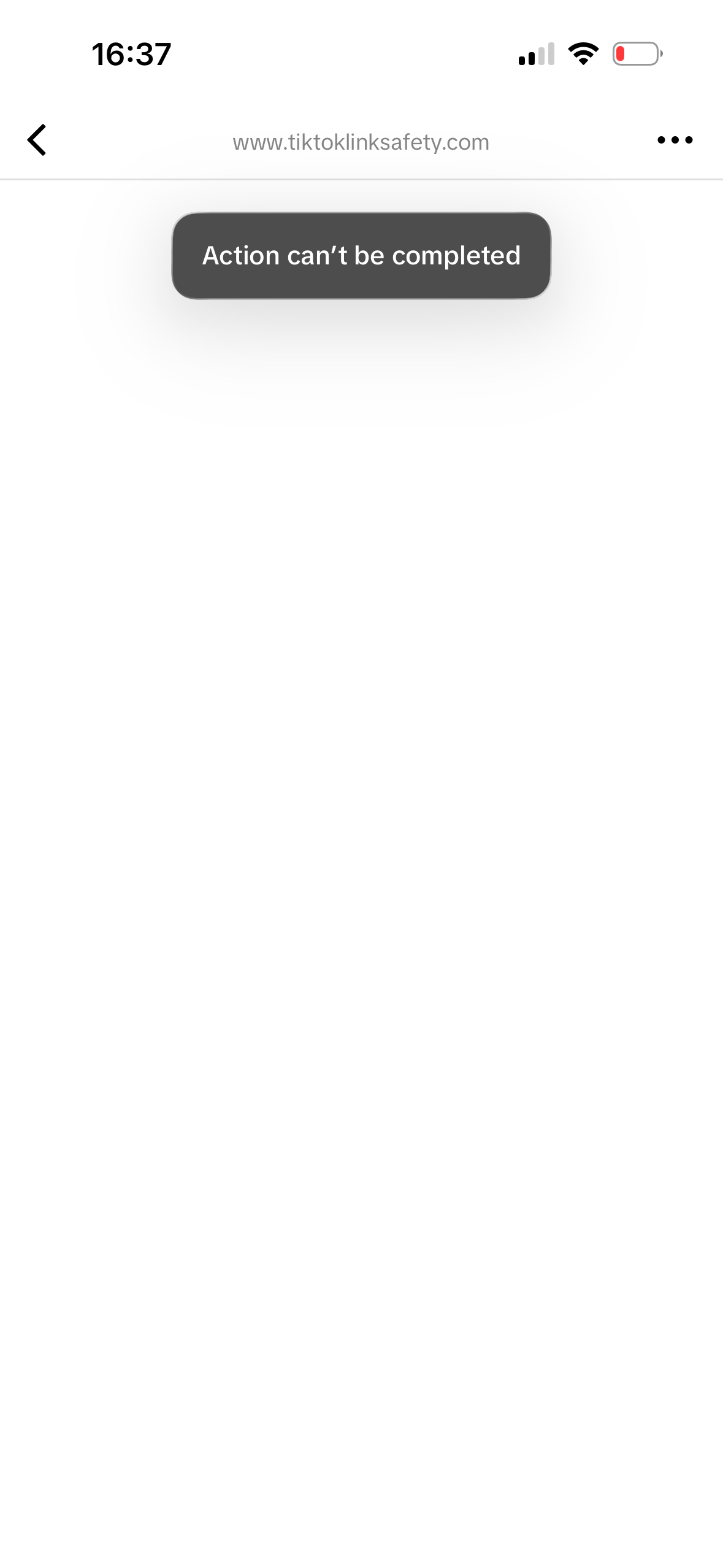
TikTok · without pleaseopen.me

TikTok in-app browser error when opening an App Store link

A raw App Store link fails inside TikTok — visitors never reach your app.

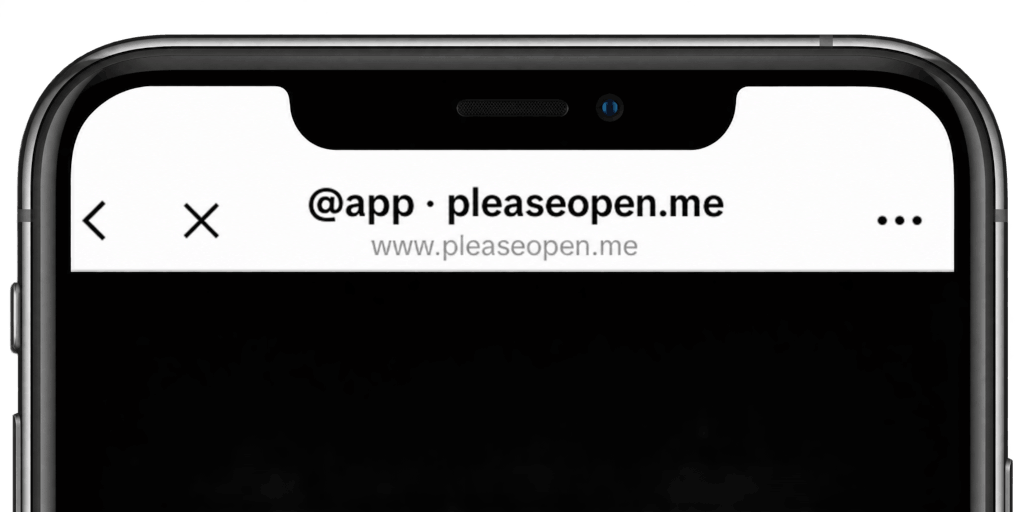
TikTok · with pleaseopen.me

Tutorial → Open in browser → redirect to the right store.

Shipping an app?

No website? Still ship.

Apple, Google, and ad networks need live URLs on a developer site. Host them on your slug — no site to build, no domain to buy.

Create and host your privacy policy for free

App Store and Play Store both require a live privacy policy URL. Answer a few questions about your app — we write a policy that matches your data and SDKs, then host it. No website required.

  • Guided for apps, not a generic website template
  • Hosted at pleaseopen.me/yourapp/privacy
  • Paste the URL in App Store Connect and Play Console
  • Free. Live in a few minutes
Create your privacy policy

Create and host your ads.txt for free

AdMob and other networks crawl your developer website for app-ads.txt. If it isn't there, fill rates drop. We host ads.txt and app-ads.txt at the root they expect — pick your networks, paste your publisher IDs, done.

  • Plain text at the domain root crawlers actually check
  • AdMob, AppLovin, Meta, Unity, and more
  • Same slug as your privacy policy — one developer website
  • Free. No domain to buy
Create your ads.txt

Same slug also unblocks store links

Instagram, Facebook, and TikTok still block App Store URLs. That same pleaseopen.me page escapes the in-app browser and sends each visitor to the right store.

Already use Linktree, Beacon, or your own site?

App Store links still fail when someone opens your Linktree, Beacon page, or website from a bio — they're still inside the in-app browser. Create a pleaseopen.me link and swap your App Store URL for it. Keep your existing page; only the store button changes.

Features & benefits

Escape App Store blocks from Instagram, Facebook, and TikTok — and host a privacy policy and ads.txt if you don't have a website. Most of it free.

  • One link that routes to the right app store
  • Directly escapes Instagram & Facebook App Store blocks
  • TikTok tutorial → open in browser → store redirect
  • Create and host a privacy policy for free
  • Create and host ads.txt / app-ads.txt for free
  • Optional multi-button pages with social links
  • Branding and custom texts
  • Choose themes — or create your own
  • Translations in 10 languages
  • Custom domains
  • Detailed analytics
  • Setup in a few minutes

Set up your slug free — takes about a minute.

Claim pleaseopen.me/yourname, add store links or buttons, and share it in your bio. Most features are free; upgrade for $1/mo billed yearly ($12) or $18 lifetime for the full set.

Create your link for free

FAQ

Store blocks, hosting, and pricing — the short version.